The Best SurferSEO Alternative for Small Teams in 2026
If you're hunting for a SurferSEO alternative, you're probably not unhappy with SurferSEO's editor — you're tired of doing everything around it. It scores your draft, hands it back, and the writing, the fact-checking, the publishing, and the rank tracking are still on you. For a small marketing team with one generalist doing content and SEO, that gap is the whole problem.
Here's the short version: SurferSEO is a strong content-optimization editor. But an editor is one step in a workflow, not the workflow. This guide walks through why teams switch, what SurferSEO does well, and how an end-to-end content workflow like Lunroo's closes the score-in-work-out gap.

Why teams look for a SurferSEO alternative
Most people don't leave SurferSEO because it's bad. They leave because of a mismatch between what it does and what a small team needs. A few triggers come up again and again.
Price for low-volume publishers. If you ship four posts a month, paying for a full optimization suite plus a separate writer plus a separate rank tracker adds up fast. The math gets hard to justify when output is modest.

No native rank tracking. SurferSEO optimizes the page, but it doesn't tell you where that page lands over time. You bolt on Ahrefs, Semrush, or a standalone tracker, and now you're stitching tools together.
The score-in, work-out gap. This is the big one. Surfer gives you a content score and a list of terms to include. You still write the draft, still hit the targets by hand, still edit. The tool grades the work; it doesn't do it.
Tool sprawl. Research in one tab, optimization in another, drafting in a doc, tracking in a fourth dashboard. For a two-to-ten person team, every extra tool is another login to babysit. If any of this sounds familiar, the question isn't "which editor is better" — it's "what actually removes the work."
What SurferSEO does well
Let's be fair, because a comparison is only useful if it's honest. SurferSEO earned its reputation, and there are good reasons teams still use it.
- A genuinely strong content editor. The real-time SERP-driven guidance is mature and well-built. You paste a draft, and it tells you what the top-ranking pages cover that you don't.
- NLP term suggestions. Its term recommendations are grounded in what's actually ranking, not a generic keyword dump. That's useful signal.
- On-page SEO audit. The audit tool catches structural gaps — headings, length, internal links — that are easy to miss.
- Established and reliable. It's been around, it's stable, and there's a large community around it. That maturity counts for something.
If all you want is a SERP-aware editor to tighten drafts you're already writing, SurferSEO does that job well. The question is whether "tighten a draft I already wrote" is the job you actually need done. For most small teams, it isn't the whole job — it's the last 20%.
What small marketing teams actually need
Reframe the problem for a second. A small team's constraint isn't optimization quality — it's headcount. One person is often running the entire content engine: finding topics, writing, editing, publishing, and checking whether any of it ranked.
That's a workflow, not a single step:
- Research — what should we write, and what's already ranking for it?
- Draft — turn the brief into a real first draft.
- Edit — tighten, fact-check, optimize for the target keyword.
- Publish — get it live without a copy-paste relay race.
- Track — did it rank? What moved? What's next?
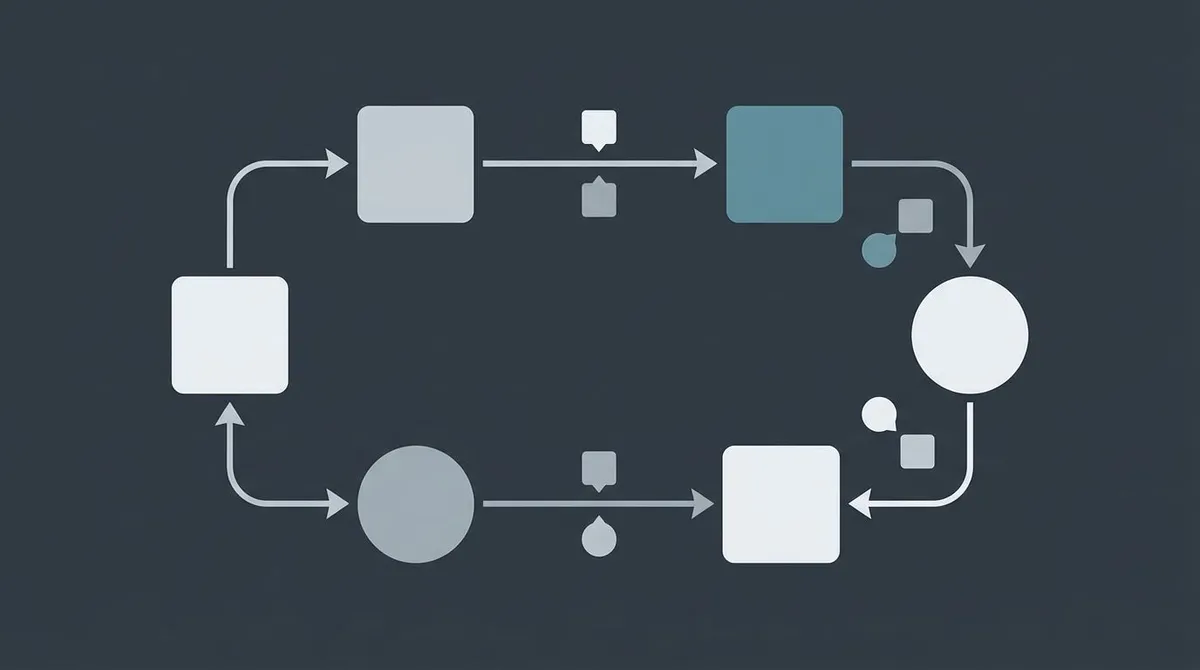
An optimization editor helps with exactly one of those five steps. The other four are still manual. So when you evaluate a SurferSEO alternative, the useful test isn't "does it score content better." It's "how many of those five steps does it actually take off my plate?" That's the lens for the rest of this comparison. If you're building this muscle from scratch, our guide on how to build a content strategy and the content marketing workflow walkthrough are good companions.
Lunroo vs SurferSEO: a full content pipeline vs a solo editor
Here's the core difference. SurferSEO is one tool doing one step. Lunroo runs the whole loop on autopilot, with you approving the output.
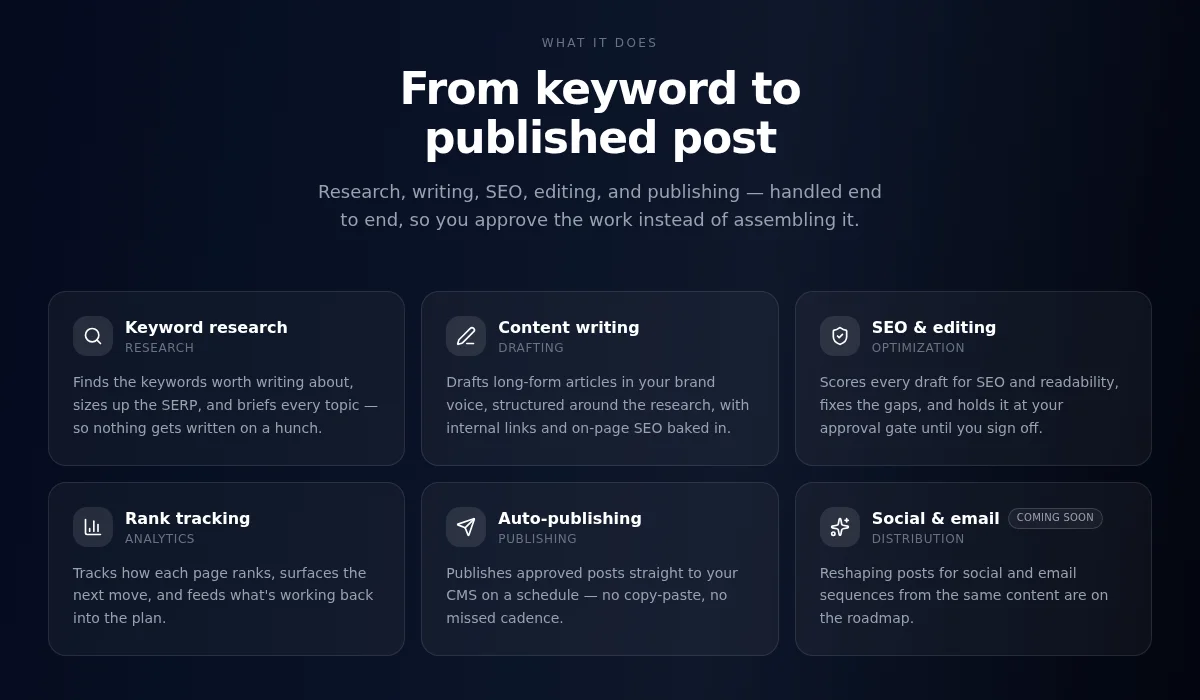
The workflow runs as distinct stages: Research — keyword targets, SERP analysis, and angle. Drafting — the brief becomes a real first draft. Editing — tightening, fact-checking, and on-page optimization. Publishing — approved pieces go live without a copy-paste relay. Each stage hands off to the next automatically, so nothing stalls between steps. You get a finished, optimized, tracked draft — not a score and a to-do list. If you want the deeper explanation of how that works, see what are AI marketing agents and how AI agents automate marketing.
| Lunroo | SurferSEO | |
|---|---|---|
| What it is | End-to-end content workflow on autopilot | Single-purpose content-optimization editor |
| Pipeline | Distinct research, drafting, editing and publishing stages | One step: optimization |
| What you get | A finished, optimized draft | A content score + term checklist |
| Research | Built in — keyword targets and SERP analysis | Manual (or bring your own tool) |
| Drafting | Built in — writes the first draft from the brief | You write it |
| Optimization | Built into the pipeline | Its core strength — SERP-driven editor |
| Rank tracking | Built-in, with analytics | Not native (bolt on a tracker) |
| Human control | Draft-and-approve on every piece | You control everything manually |
| Where it lives | Notion-native | Separate SEO dashboard |
To be clear about SurferSEO's edge: its editor is more mature, and if your only need is manual SERP-based optimization, it's excellent at that one thing. Lunroo's bet is different — that most small teams would rather have research, drafting, optimization, and tracking run as one loop than assemble it themselves. For more of the landscape, our roundups of the best content writing tools and best AI tools for marketing put both approaches in context.
Human-in-the-loop: draft mode and approval control
Automating the work worries people, and it should. "The AI publishes on its own" is a fast way to put something wrong on your live site. So this is worth being precise about.
Lunroo runs in draft mode by default. The workflow researches, writes, and optimizes — then it stops. Nothing goes live until a person reviews it and approves it. You're the editor-in-chief; the pipeline does the legwork.
That's a real difference from two ends of the market. On one end, pure optimization tools like SurferSEO give you a score but leave all the work — including all the control — on your shoulders. On the other end, some bulk AI generators publish automatically and you find out later. Draft-and-approve sits in the middle on purpose: the volume of an automated pipeline, the control of a human sign-off. You get leverage without abdicating judgment. That matters most for claims, brand voice, and anything a customer will read.
Notion-native workflow
Here's a differentiator that sounds small and isn't. Lunroo lives in Notion. Briefs, drafts, and approvals all happen in the workspace your team probably already uses to plan.
For a small team, that removes an entire category of friction. There's no separate SEO dashboard to log into and babysit. A topic goes from brief to draft to approval in one place, and the person approving doesn't have to context-switch across four tools to do it. SurferSEO, by design, is its own dashboard — you go there to optimize, then bring the result back to wherever you actually work.
One honest note: Lunroo focuses on content and SEO today. Social media scheduling and email campaigns are on the roadmap and coming soon — they're not live yet, so don't switch expecting them this month. What's live now is the content-and-SEO loop, running end to end on autopilot, inside Notion.
Other SurferSEO alternatives, briefly
You'll see the same names in every "best alternatives" list, so here's the honest one-paragraph version. Frase is strong on SERP research and content briefs. Clearscope is a polished, premium content-grading tool that enterprise teams like. MarketMuse leans into content strategy and topic modeling. NeuronWriter is a budget-friendly optimizer with solid term suggestions. They're all capable — and they're all fundamentally the same shape as SurferSEO: a solo editor that scores your content and leaves the drafting, tracking, and publishing to you.
That's the point. Swapping one optimization editor for another optimization editor doesn't change the workflow; it just changes the scoring engine. The real decision for a small team is whether you want a better editor or a workflow that runs the whole loop. If it's the loop, that narrows the field back to Lunroo. (For head-to-head reads on specific tools, see our Frase alternative and Jasper alternative breakdowns.)
If you'd rather have research, drafting, optimization, and tracking run as one workflow with your approval on every piece, start an automated content workflow with Lunroo.
FAQ
Is there a free SurferSEO alternative?
There are free and cheap optimization tools, but "free" usually means you're still doing all the work yourself — the tool just grades it. Lunroo isn't free; it's a paid platform because it runs the whole content pipeline plus the compute and tool credits behind it. You can see current plans on our pricing page. The honest way to think about it: you're comparing one subscription against the combined cost of an editor tool, a writer, and a rank tracker.
Does Lunroo replace SurferSEO entirely?
For most small teams, yes — Lunroo covers research, drafting, optimization, and rank tracking in one loop, which is more than SurferSEO does alone. If you have a specific power-user workflow built around Surfer's manual editor, you might still prefer that editor for hands-on tuning. But if your goal is to remove work rather than add a scoring step, the end-to-end workflow replaces the whole stack, not just the editor.
Can I keep human control over what gets published?
Yes, and that's the default. Lunroo runs in draft mode — research, drafting, and editing all run automatically, then stop and wait for a person to review and approve. Nothing publishes without your sign-off. You get the output volume of an automated pipeline with the control of a human editor-in-chief.
Does it work with Notion?
Yes. Lunroo is Notion-native. Briefs, drafts, and approvals live in your Notion workspace, so there's no separate SEO dashboard to manage. For a small team already planning in Notion, the content workflow just becomes part of the space you're already in.
How is a multi-stage workflow different from an AI writer?
An AI writer is a prompt box: you drive it, one output at a time. A multi-stage workflow runs the steps in sequence — research, then drafting, then editing and optimization, then publishing once you approve — so the stages connect without you re-prompting at each one. The difference is a finished, optimized, tracked draft versus a raw block of text you still have to shape. Our piece on the best AI writing tools digs into where single-writer tools fit and where a full workflow makes more sense.