Copy.ai Alternative: An End-to-End AI Content Workflow
If you're searching for a Copy.ai alternative, you've probably outgrown the prompt box. Copy.ai is fast at short-form copy, but a small marketing team publishing every week needs more than one-shot generation — you need research, a draft, an edit, and a review step that all connect. This guide compares Copy.ai with a different model: an automated content workflow that runs end to end, with a human approving every piece before it ships.
Here's the short version. Copy.ai is great when you need a lot of quick copy variants. Lunroo is built for teams that want a managed, reviewable content pipeline — research to publish — instead of copy-pasting between a generator and everything else.
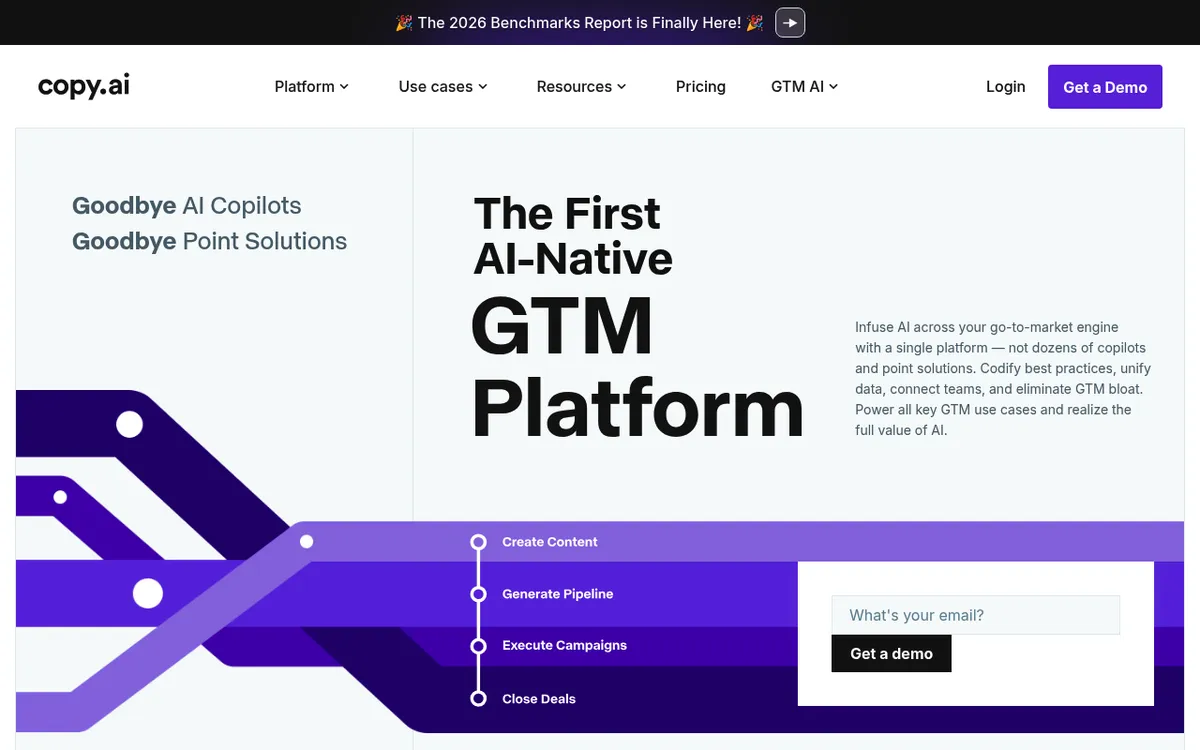
Why teams look for a Copy.ai alternative
Most people don't leave Copy.ai because the output is bad. They leave because the workflow around the output gets heavy as they scale.
A few patterns show up again and again:
- Prompt fatigue. Generating one blog post means prompting for an outline, then sections, then a meta description, then re-prompting when the tone drifts. It's a lot of manual steering.
- No research layer. A blank prompt doesn't know your keywords, your competitors, or what's already ranking. You bring that context yourself, every time.
- Weak review controls. For a marketing team, "who approved this before it went live" matters. A generator that outputs straight into a doc doesn't give you a clean approval gate.
- Tool sprawl. Copy lives in one app, briefs in another, the calendar in a third. The copy-paste tax adds up.
If any of that sounds familiar, the thing you actually want isn't a better prompt box. It's a workflow. That's the lens this comparison uses. (If you're weighing several tools, our roundup of the best AI writing tools covers the wider field.)
What Copy.ai does well
Let's be fair — Copy.ai earned its audience, and pretending otherwise would make this comparison useless.
Where Copy.ai is strong:
- Fast short-form copy. Ad headlines, product descriptions, email subject lines, social captions — it turns these around quickly, with multiple variants to pick from.
- A large template library. Dozens of pre-built use cases mean you rarely start from a blank page for common copy tasks.
- Workflows and automation. Copy.ai has expanded well beyond a single prompt box into GTM automation, so bigger teams can chain steps together.
- Brand voice. You can train it on your tone so output sounds more like you and less like generic AI.
You can see the current feature set on Copy.ai's own site. If your core need is high-volume, quick-turn short-form copy, Copy.ai remains a solid pick and a switch may not be worth it.
The question isn't whether Copy.ai is good. It's whether a generator is the right shape of tool for how your team actually produces content.
Where an end-to-end workflow fits differently
This is the core difference, so it's worth being concrete.
Copy.ai is one tool you drive prompt by prompt. Lunroo runs the content workflow on autopilot as distinct stages that feed each other, the way a real content team does. You brief once; the pipeline runs.
Here's what each stage does:
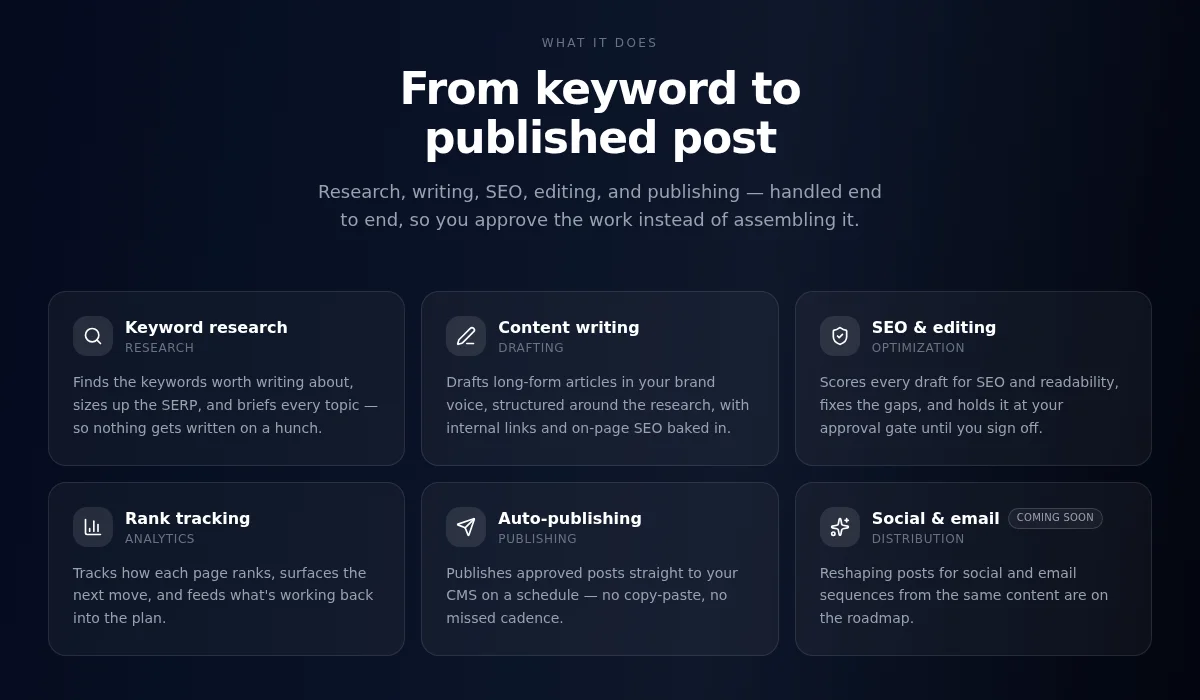
- Research — keyword targets, SERP analysis, what's already ranking, and where the gaps are.
- Drafting — the draft is written from that research and your brand voice, not from a cold prompt.
- Editing — structure tightened, on-page SEO checked, and claims that need a human eye flagged.
- Publishing — approved work goes live, and the queue keeps moving.
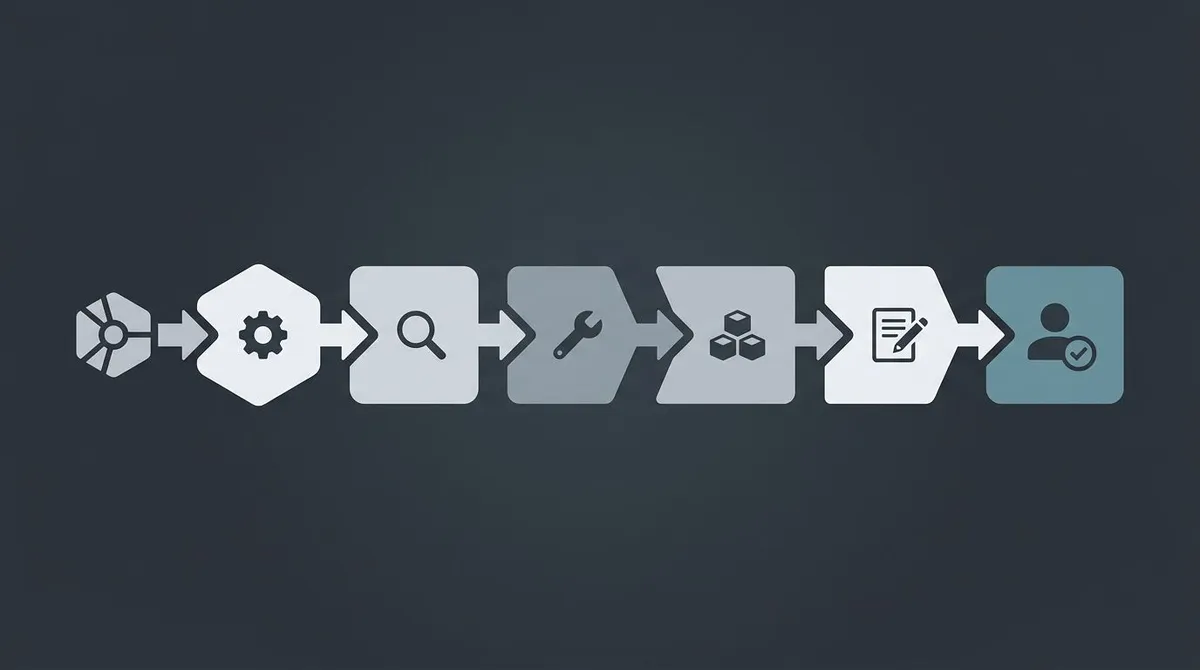
The unit of work isn't a prompt. It's a finished, researched, edited draft — produced as research → draft → edit in one loop instead of you stitching those stages together by hand. This is the difference between an AI content generator for marketing teams and a single-purpose copy tool.
If you want the full mechanics of how this kind of automation works, we wrote a deeper explainer on how AI agents automate marketing. The short version: the hand-off between stages is the feature. A prompt box gives you text; a multi-stage workflow gives you a process that runs.
Human-in-the-loop: draft-and-approve
Automation without oversight scares most marketing teams, and it should. AI drafts fast, but a human should still approve claims, positioning, and anything that touches the brand.
That's why Lunroo runs in draft mode by default. Nothing publishes on its own. The workflow researches, writes, and edits — then the work waits for a person to review and approve it.
Why this matters for a small team:
- Accountability. There's a clear point where a human signs off. No surprise posts.
- Voice control. You catch tone drift before your audience does, not after.
- Fact-checking. AI can state something confidently and be wrong. The approval gate is where you check.
- Trust while you scale. As output goes up, the review step is what keeps quality from sliding.
Think of it as automation, not abdication. The pipeline does the volume; you keep the final call. For teams handling client work or regulated claims, that gate is often the whole reason to switch. A tighter content marketing workflow is usually what teams are really after.
Notion-native workflows
Here's a small thing that turns out to be a big thing: where the content lives.
Copy.ai keeps your work inside Copy.ai. If your team plans in Notion — briefs, calendar, backlog — you're moving text back and forth. Every copy-paste is a chance for a version to go stale.
Lunroo is Notion-native. You brief, review, and approve inside your Notion workspace. Drafts land in the same place your team already plans, so there's no separate app to check and no export step.
For a small team, that removes a real source of friction:
- Briefs and drafts sit next to each other.
- Approvals happen where the calendar already lives.
- Nobody has to learn a new home for content.
It's less glamorous than the AI itself, but "no copy-paste between tools" is often what makes a workflow actually stick. If you're building your process from scratch, our guide to a content marketing workflow pairs well with this.
Copy.ai vs Lunroo: comparison table
Honest side-by-side. Both tools are good at different jobs.
| Dimension | Lunroo | Copy.ai |
|---|---|---|
| Workflow model | End-to-end pipeline with distinct research, drafting, editing and publishing stages | Single tool, driven prompt by prompt |
| Human review | Draft-and-approve gate, nothing ships without sign-off | Output goes straight to your doc; you self-manage review |
| Where content lives | Notion-native (plan, review, approve in Notion) | Inside the Copy.ai app |
| SEO + analytics | Built-in keyword research, on-page tuning, rank tracking, analytics | Copy generation focused; SEO is not the core |
| Short-form volume | Capable, but built around full content pieces | Excellent — fast variants at scale |
| Best-fit team | Teams wanting a managed, reviewable content pipeline | Teams needing high-volume quick short-form copy |
| Pricing | One subscription, everything included — see pricing | Tiered plans including a free option — see their site |
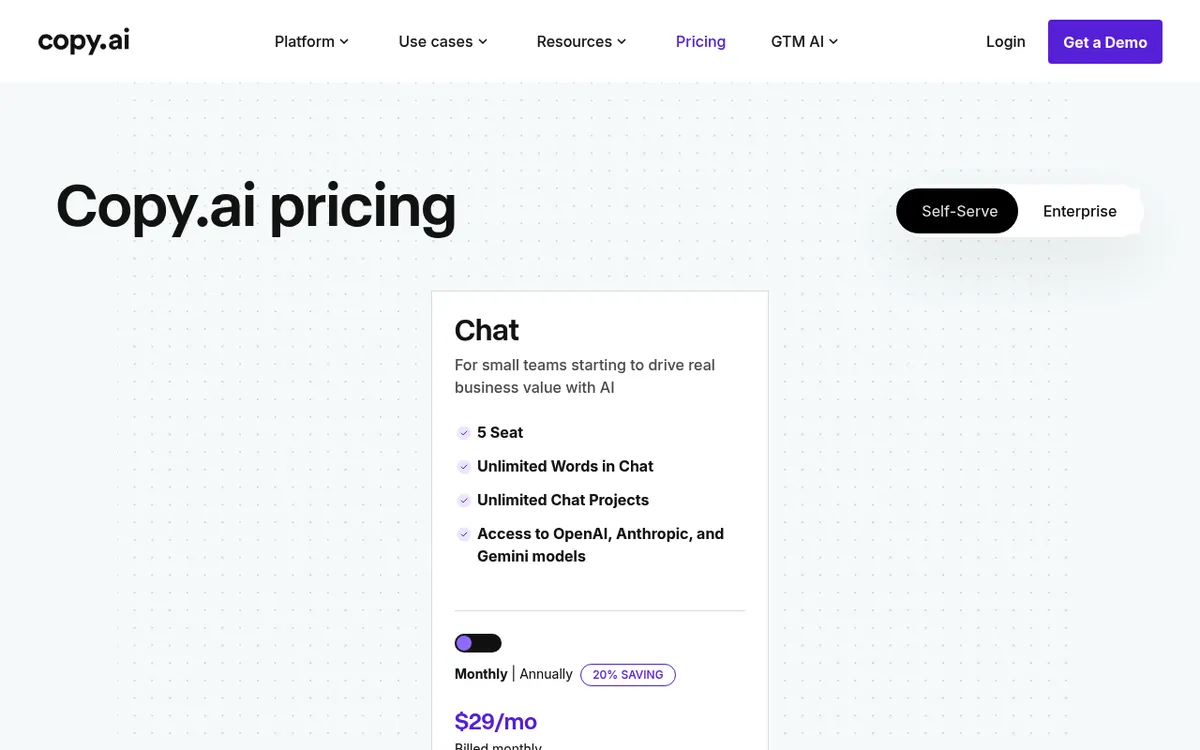
Note on pricing: Copy.ai offers a free tier and paid plans. Lunroo is one paid subscription with the whole content pipeline included and no free tier — check current pricing rather than trusting a number in an old blog post.
If the table lines up with how your team works, you can see it in your own workflow.
Which one is right for your team
No universal answer here — it depends on the job in front of you.
Choose Copy.ai if:
- Your main need is high-volume short-form copy: ads, product descriptions, captions, subject lines.
- You want a big template library for quick, one-off tasks.
- You're fine driving generation prompt by prompt and doing your own review.
- A free tier to start matters to you right now.
Choose Lunroo if:
- You publish ongoing content — blog posts, landing pages — and want research and editing handled as one loop.
- You need a clear human approval step before anything goes live.
- Your team plans in Notion and wants content to live there too.
- You want SEO, rank tracking, and analytics in the same place, not bolted on. Compare it with dedicated tools in our SurferSEO alternative breakdown.
A lot of teams end up wanting both shapes. Some keep a quick generator for one-off copy and run an automated content workflow for the pieces that need research and review. If you're also comparing all-in-one AI writers, our Jasper alternative piece looks at that side of the market.
Want research, drafting, and editing handled every week — with you approving the work? Start with Lunroo or see how the workflow runs.
FAQ
Is Lunroo a Copy.ai alternative?
Yes, but they're shaped differently. Copy.ai is a copy generator you drive prompt by prompt, strongest at fast short-form output. Lunroo runs research, drafting, editing, and publishing as one automated workflow, with a human approving each piece. If you want a managed content pipeline rather than a generation tool, Lunroo is the closer fit.
Will Lunroo replace my writers?
No — it changes what they spend time on. The workflow handles research, first drafts, and on-page SEO, so your writers move from blank-page grind to editing, judgment, and strategy. The draft-and-approve step exists precisely so a person stays in the loop. Think of it as leverage for your team, not a replacement for it.
Do I have to use Notion?
Notion is where Lunroo is designed to work — briefing, review, and approval all happen in your Notion workspace, which is a real advantage if your team already plans there. If your team doesn't use Notion at all, that Notion-native workflow is a bigger adjustment, so weigh it before switching.
Is there a free tier?
No. Lunroo is a single paid subscription with the full content workflow, tool credits, SEO tooling, and analytics included. Copy.ai does offer a free plan if that's a hard requirement for you. For Lunroo's current price, see the pricing page — we avoid quoting a number in blog posts because plans change.
How does the approval step work?
Every piece the workflow produces lands as a draft. It waits in your Notion workspace until a person reviews and approves it — nothing publishes automatically. You can edit, send it back for another pass, or approve it. That gate is what lets you scale output without losing control over quality or brand voice.
What about social scheduling and email?
Those are on the roadmap and coming soon, not live today. Right now Lunroo focuses on the content and SEO workflow — research, drafting, editing, on-page optimization, rank tracking, and analytics. We'd rather ship those well than promise features before they're ready. For the current capabilities, see how AI agents automate marketing.