How to Do Keyword Research: A Step-by-Step Guide for Founders
Here's the short version: learning how to do keyword research means finding the exact phrases your customers type into Google, then judging which ones you can realistically rank for and which are worth the effort. Do it well and every article you write has a job. Skip it and you're publishing into the void.
Most guides on this are written by tool vendors and assume you have a full afternoon every month to run the workflow by hand. This one is written for founders and indie hackers who own their own SEO, have no marketing team, and need a process that actually fits between shipping features. Let's break this down into six steps you can run start to finish.
## How to do keyword research: what it actually tells youKeyword research answers three questions about a phrase before you spend hours writing about it.
- Search volume — roughly how many people search this per month. A term with 1,000 monthly searches has real demand; one with 10 usually doesn't (unless it's high-intent and buyer-adjacent).
- Keyword difficulty (KD) — an estimate, usually 0–100, of how hard it is to rank on page one. It's driven by how strong the sites already ranking are. Higher isn't impossible, it's slower.
- Search intent — what the searcher actually wants: an answer, a comparison, or a product to buy. Intent decides what kind of page you build.
Why founders can't skip this: writing without it is guessing. You might nail a topic nobody searches, or pick a term so competitive a brand-new domain has no shot for a year. Ten minutes of research per topic protects weeks of writing time.
Step 1: Brainstorm seed keywords from your product and customers
Seed keywords are the broad, obvious terms your product relates to. They're the starting point every tool expands from, so start with your own head, not software.
Write down:
- What your product does in plain words ("invoice software", "meal planning app", "keyword research tool").
- The problems it solves as a customer would phrase them ("how to send an invoice", "what to cook this week").
- The words customers actually use — pull these from support tickets, sales calls, Reddit threads, and your app's search bar. Real language beats marketing language every time.
Pro tip: if you're like most founders, you describe your product in industry terms your customers never use. If you sell "revenue intelligence software" but buyers search "sales forecasting spreadsheet", you want the phrase they type, not the one on your homepage. Aim for 10–20 seeds. Messy is fine — the next step multiplies them.
Step 2: Expand your list with keyword tools
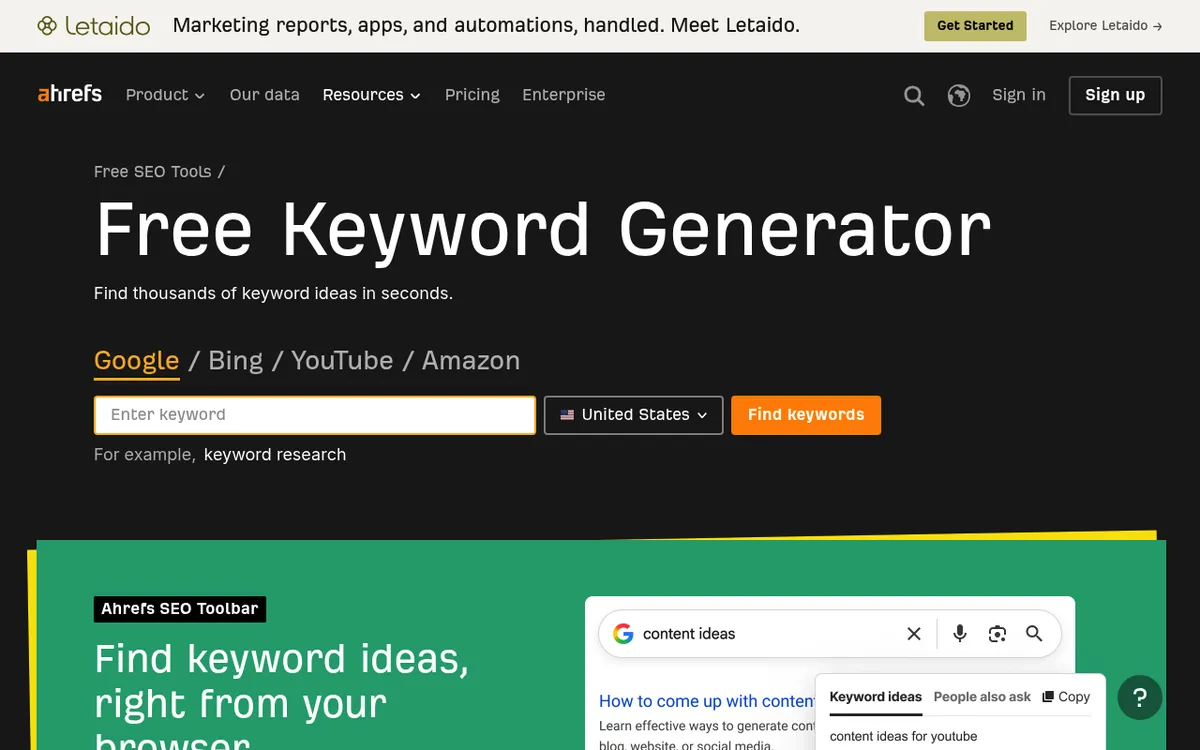
Now feed those seeds into a tool to generate hundreds of related phrases you'd never brainstorm alone. This is where you learn how to do keyword research for free versus paying for depth.
Free options to start with:
- Google Keyword Planner — free with a Google Ads account. Built for advertisers, so volumes come in ranges, but the ideas and relative demand are solid. The best free way to do google keyword research.
- Google autocomplete and "People also ask" — type a seed and read what Google suggests. Those are real queries.
- Answer-style and free suggestion tools — pull the question phrasings people search.
Paid options when you're ready:
- Ahrefs, Semrush, and Moz give precise volume, difficulty scores, and competitor data in one place. They cost real money monthly, but they save hours and reduce guesswork — worth it once content is a genuine channel for you.
You don't need a paid tool on day one. Google Keyword Planner plus autocomplete is enough to build a first list of 100+ candidates. Export everything to a spreadsheet before you start judging it.
Step 3: Read the metrics that matter — volume, difficulty, and CPC
Now trim the list. Three numbers do most of the work.
Search volume tells you demand exists. But don't chase the biggest number — high-volume head terms ("marketing", "crm") are brutally competitive and vague on intent. A cluster of smaller terms often converts better.
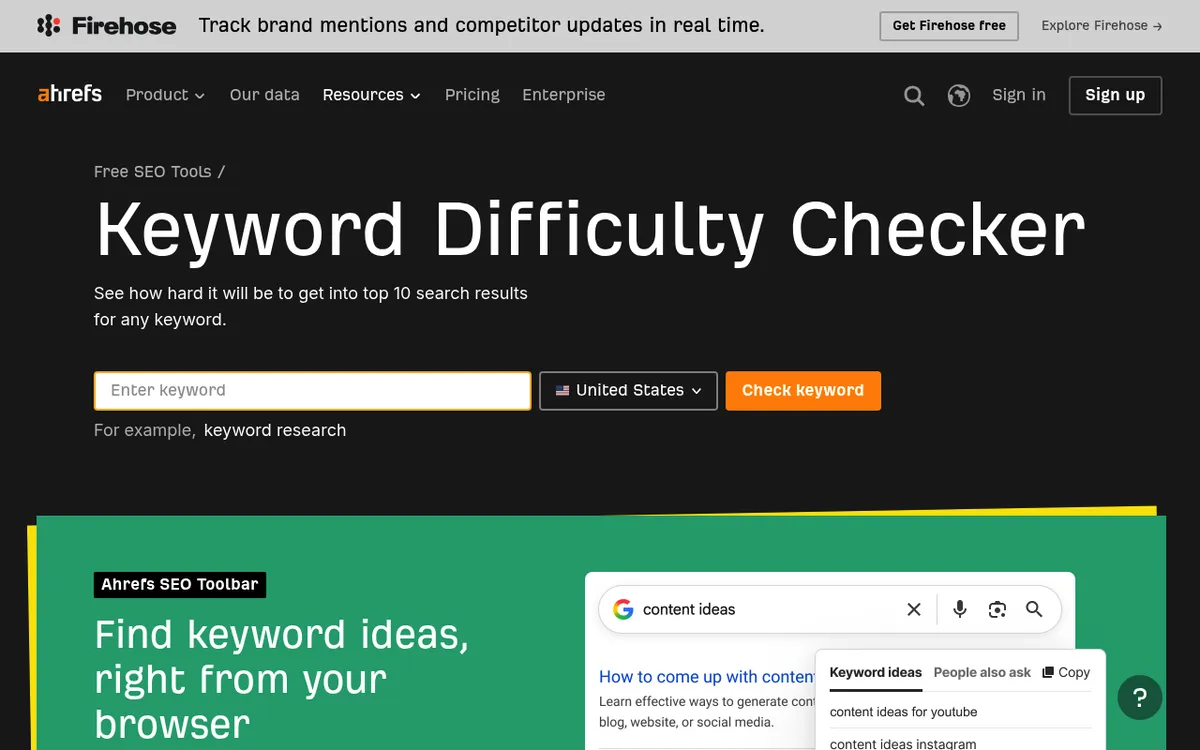
Keyword difficulty is where founders go wrong. If your domain is new, treat KD honestly: a score of 50+ likely means months of runway before you rank, even with a great article. Aim your early bets at long-tail keywords — longer, specific phrases with lower volume and lower difficulty. "How to do keyword research for a blog" is easier to win than "keyword research", and the person searching it is closer to acting.
CPC (cost per click) hints at commercial value. A high CPC means advertisers pay to reach that searcher, which usually means the term is buyer-adjacent — even if volume looks modest. A low-competition term with a healthy CPC is often the sweet spot.
The pattern to hunt for: decent volume, difficulty your site can realistically clear this quarter, and clear commercial or informational value. For more on setting rank expectations for a young site, see our guide on how to rank on Google.
Step 4: Match keywords to search intent
A keyword's numbers can look perfect and still be wrong for you if the intent doesn't match your page. There are three intents worth naming:
- Informational — the searcher wants to learn ("how to do keyword research for SEO"). Answer with a guide or tutorial.
- Commercial — they're comparing options ("best keyword research tools", "ahrefs alternative"). Answer with a comparison or review.
- Transactional — they're ready to act ("buy", "pricing", "sign up"). Answer with a product or pricing page.
Here's the step nobody should skip: check the live SERP before you commit. Search the keyword in an incognito window and read what already ranks. If the top ten are all listicles and you planned a product page, Google is telling you the intent — match it or don't rank. The SERP is the answer key.
This is also where you spot SERP features. If a keyword shows an AI Overview, "People also ask", or video results, factor that in: crisp definitions and direct answers get pulled into those boxes. Writing SEO content that's easy to extract is half the battle.
Step 5: Spy on competitor keywords to find gaps
Your competitors have already done expensive research. You can borrow it.
Drop a competitor's domain into a tool like Ahrefs or Semrush and pull their ranking keywords. Ahrefs' keyword research guide is a useful primer on the fundamentals, but competitor data is where the fast wins hide. Look for:
- Terms they rank for that you don't — proven demand in your niche, already validated.
- Terms where they rank on page two — weaker spots you might outdo with a better page.
- Topics they've ignored — gaps where you can own a phrase early.
For founders, the gap that matters most is usually depth. Big incumbents write generic overviews to cover a keyword; you can win by answering the specific version of the question your exact audience asks. A niche, genuinely useful page beats a broad, shallow one more often than the KD score suggests.
Step 6: Prioritize and cluster into a content plan
A raw keyword list isn't a plan. Turn it into one.
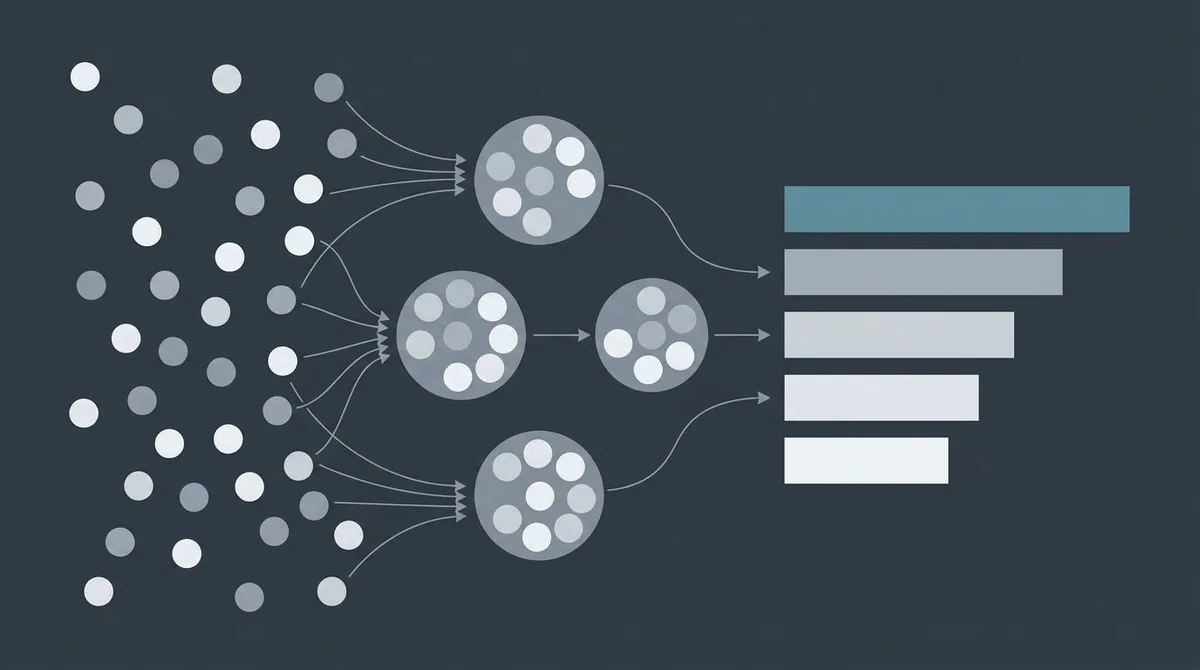
Cluster related keywords. Group terms that answer the same underlying question into one target page. A single article should have one primary keyword plus three to five secondary ones it naturally covers. Don't build separate pages for "keyword research guide" and "how to do keyword research" — same intent, one page.
Prioritize with a simple score. For each cluster, weigh three things: demand (volume), winnability (difficulty vs. your domain strength), and value (how close the searcher is to becoming a customer). The best first targets are low-difficulty, decent-volume, high-value. Save the hard head terms for once you have authority.
Map it to a calendar. Put the clusters in publishing order and commit to a cadence you can sustain — one solid post a week beats five in a burst and then silence. If you need a template, our guide on how to create a content calendar walks through it, and how to build a content strategy covers the wider picture.
That's the whole workflow: seeds, expansion, metrics, intent, gaps, plan. Run it once and you'll have months of writing mapped out.
Putting the repetitive parts on autopilot
Here's the honest catch. The research above isn't the hard part — doing it every month, then turning 50 keywords into 50 briefed, written, optimized, published posts, is. That's where most founder content plans quietly die. The spreadsheet exists; the articles don't.
Tools like Google Keyword Planner, Ahrefs, and Moz are excellent at the research half. Where they stop is execution — they hand you a list and wish you luck. That research-to-published-post gap is exactly what Lunroo closes. Instead of a single tool, it runs the whole workflow end to end: keyword research, a draft in your brand voice, an editing pass, and publishing — all inside your Notion workspace where you already plan, with a draft-and-approve step so nothing ships unreviewed.
The part founders care about most: nothing ships without you. Every draft lands in an approval queue in draft mode, so keyword research feeds directly into content you review and approve — automation, not abdication. If you want the deeper version of how this works, we wrote it up in how AI agents automate marketing. And if you'd rather have the repetitive parts run on their own, you can start with Lunroo.
FAQ
How long does keyword research take?
For a single article, budget 10–20 minutes: brainstorm a few seeds, expand them, and check the SERP for your top candidate. For a full quarter's content plan, expect a focused half-day to build and cluster a list of 30–50 target keywords. It gets faster once you have a repeatable process and a spreadsheet template you reuse.
Do I need a paid tool to do keyword research?
No. You can do keyword research for free with Google Keyword Planner, Google autocomplete, and "People also ask" — enough to build your first real list. Paid tools like Ahrefs, Semrush, and Moz add precise difficulty scores and competitor data that save time once content becomes a serious channel. Start free, upgrade when the hours you'd save are worth the subscription.
What's a good keyword difficulty for a new site?
For a brand-new domain, target keywords with difficulty roughly under 20–30 and lean into long-tail phrases. High-KD head terms aren't off-limits forever, but they usually take months of published content and links before you rank. Winning easier terms first builds the authority that makes the hard ones reachable later.
How many keywords should one page target?
One primary keyword plus three to five closely related secondary keywords. They should all serve the same search intent so a single page satisfies them naturally. If two keywords need genuinely different pages to answer well, split them — but don't create thin, near-duplicate pages for phrasings of the same question.
How often should I redo keyword research?
Do a full refresh once a quarter, and a light check whenever you launch a new feature or notice a shift in what customers ask. Search demand, competitors, and SERP layouts change, so a list you built a year ago will have stale difficulty scores and missed opportunities. A quarterly cadence keeps your content plan current without turning research into a full-time job.
How is this different from just using ChatGPT to pick keywords?
A general chatbot can brainstorm seed ideas, but it can't see live search volume, real difficulty scores, or the current SERP — so it guesses at the numbers that decide whether a keyword is worth writing about. Real keyword research pairs idea generation with actual data. If you want that research tied directly to drafted, human-approved content rather than a one-off answer, that's the kind of end-to-end workflow Lunroo handles; see current pricing for what that includes.